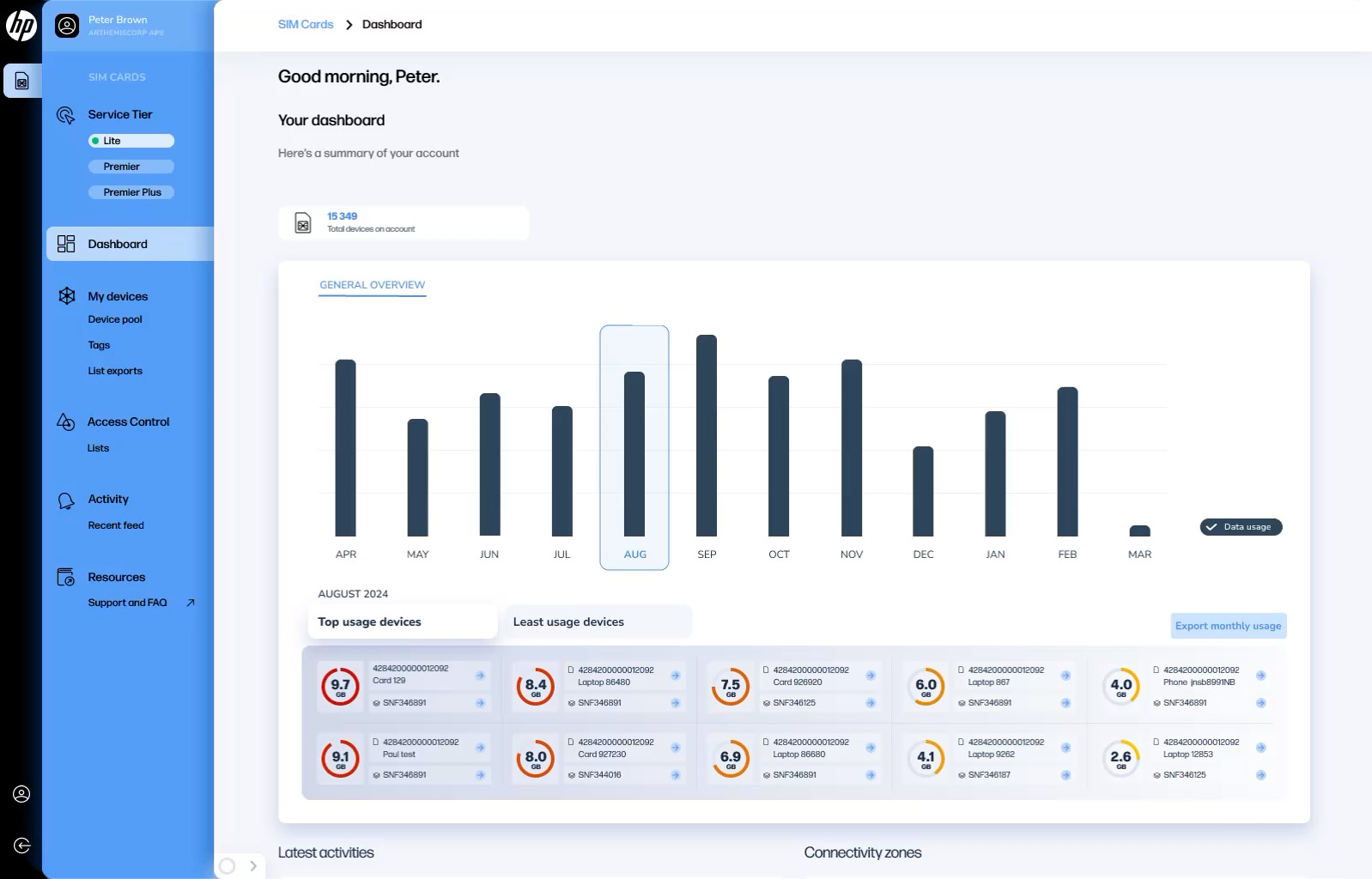

Administrators can invite new users to the HP Go Management Console to manage access, assign roles, and configure permissions.
Add a New User in the HP Go Management Console
This page provides a step-by-step guide with screenshots explaining how to add a new user.
At the end of the page, you will also find a video walkthrough demonstrating the full process.
Step-by-Step Instructions
1. From the HP Go Management Console dashboard, open the main view.
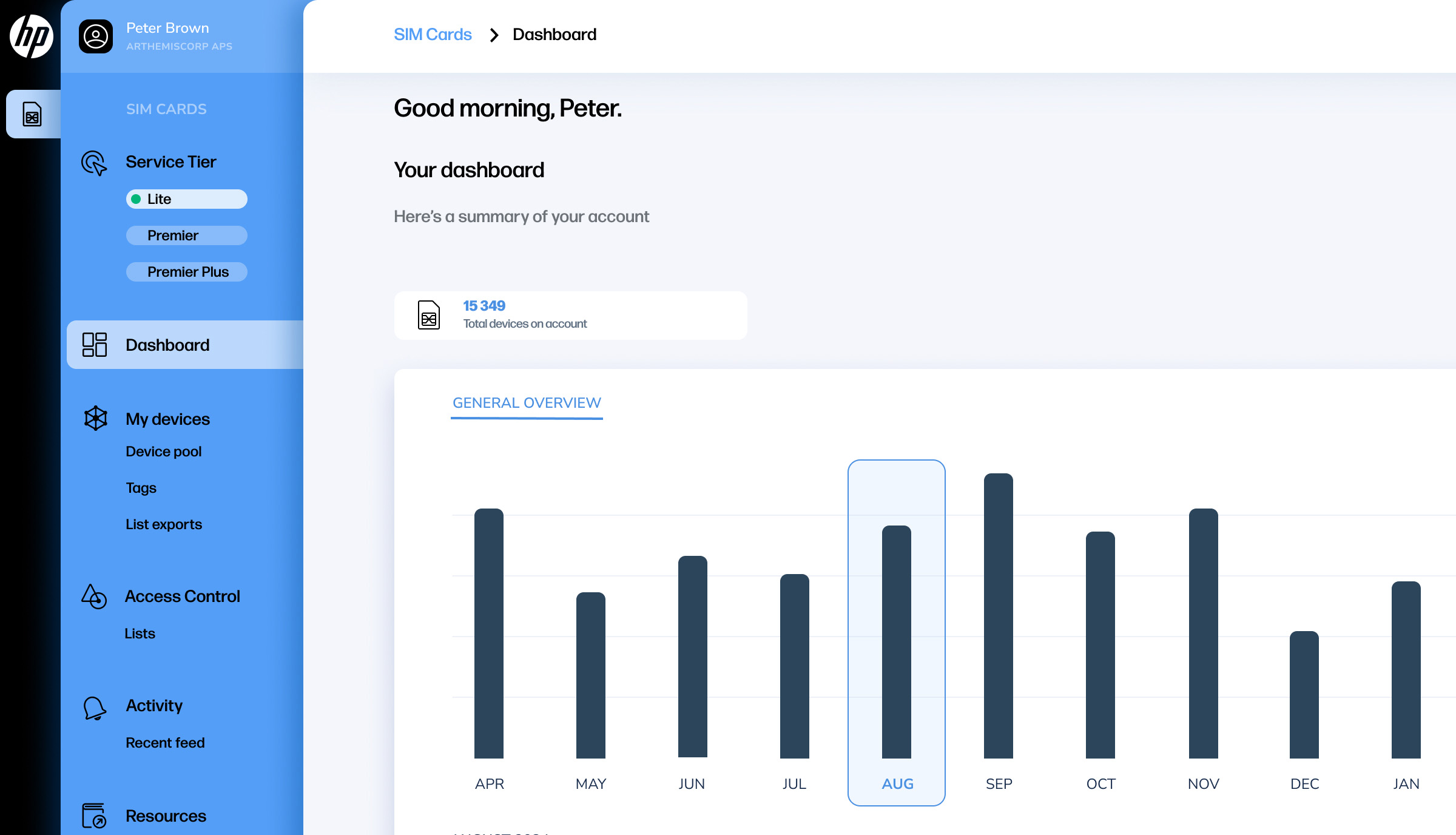
2. Hover over the left-hand sidebar to expand it and display additional menu options.
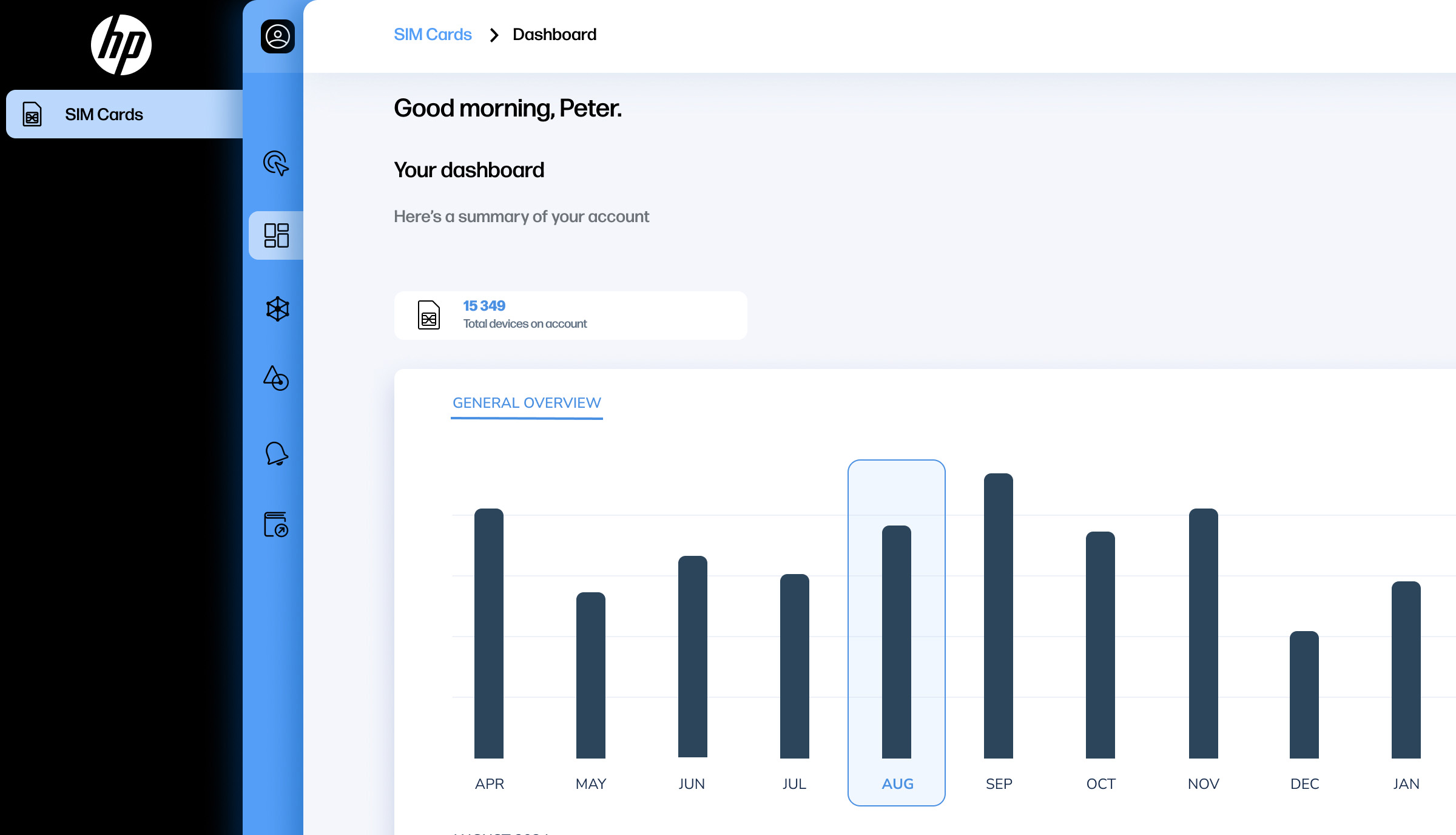
3. Select “User settings“ from the expanded menu.
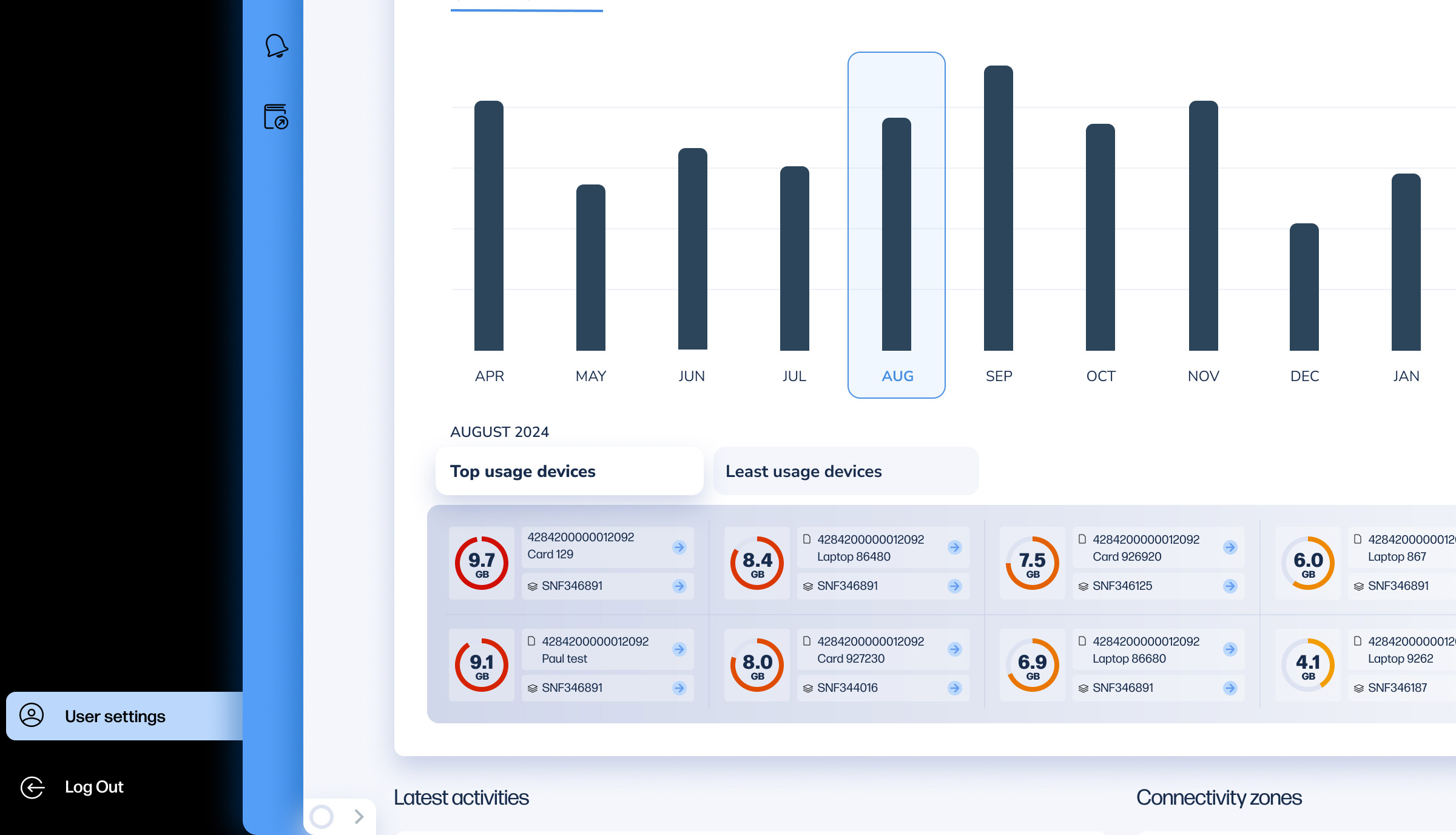
4. Within User settings, click “Roles and permissions“.
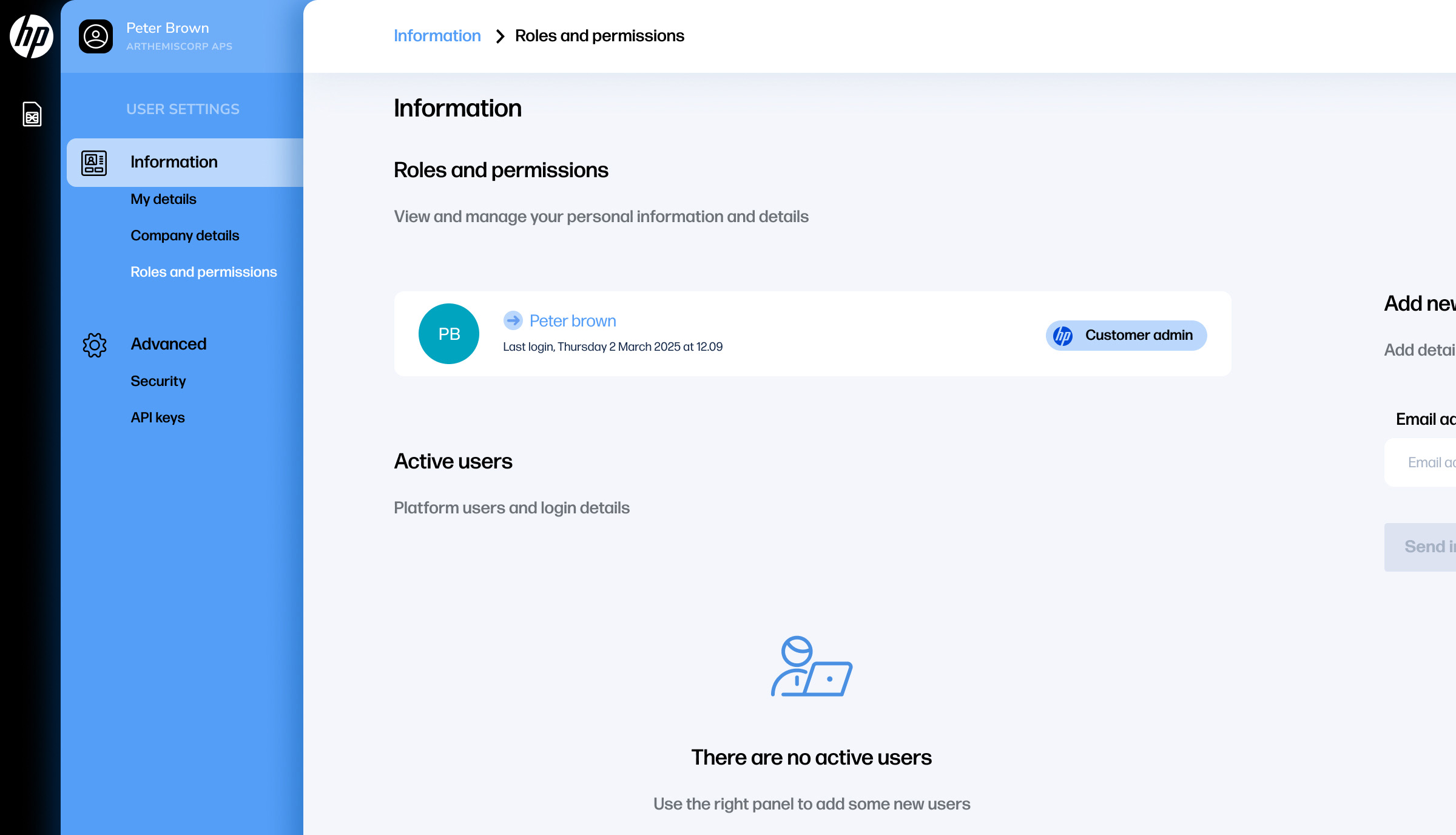
5. On the right-hand side of the screen, under “Add new user“, enter the email address of the user you wish to invite.
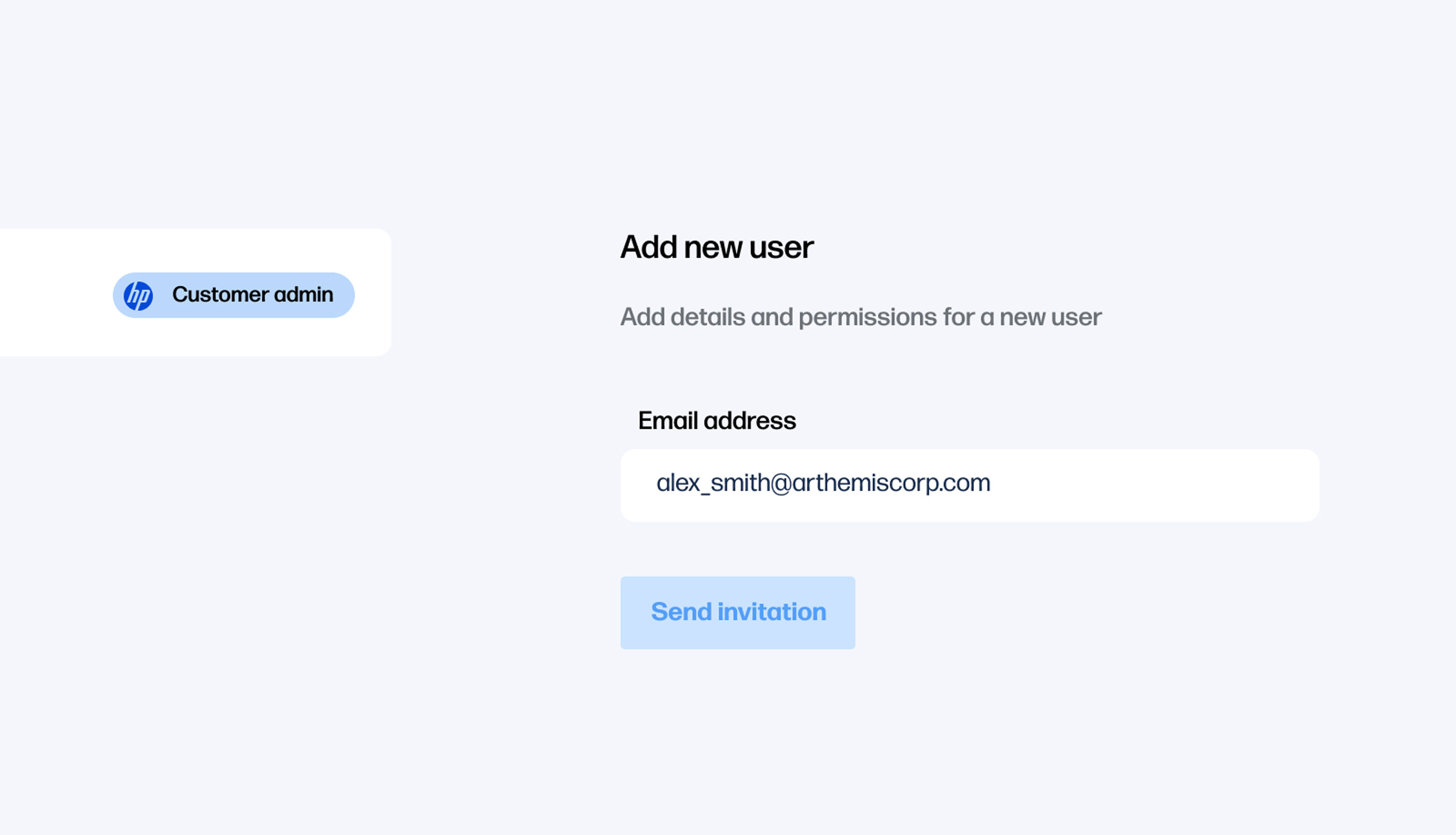
6. Click “Send invitation“ to send the user an email invitation.
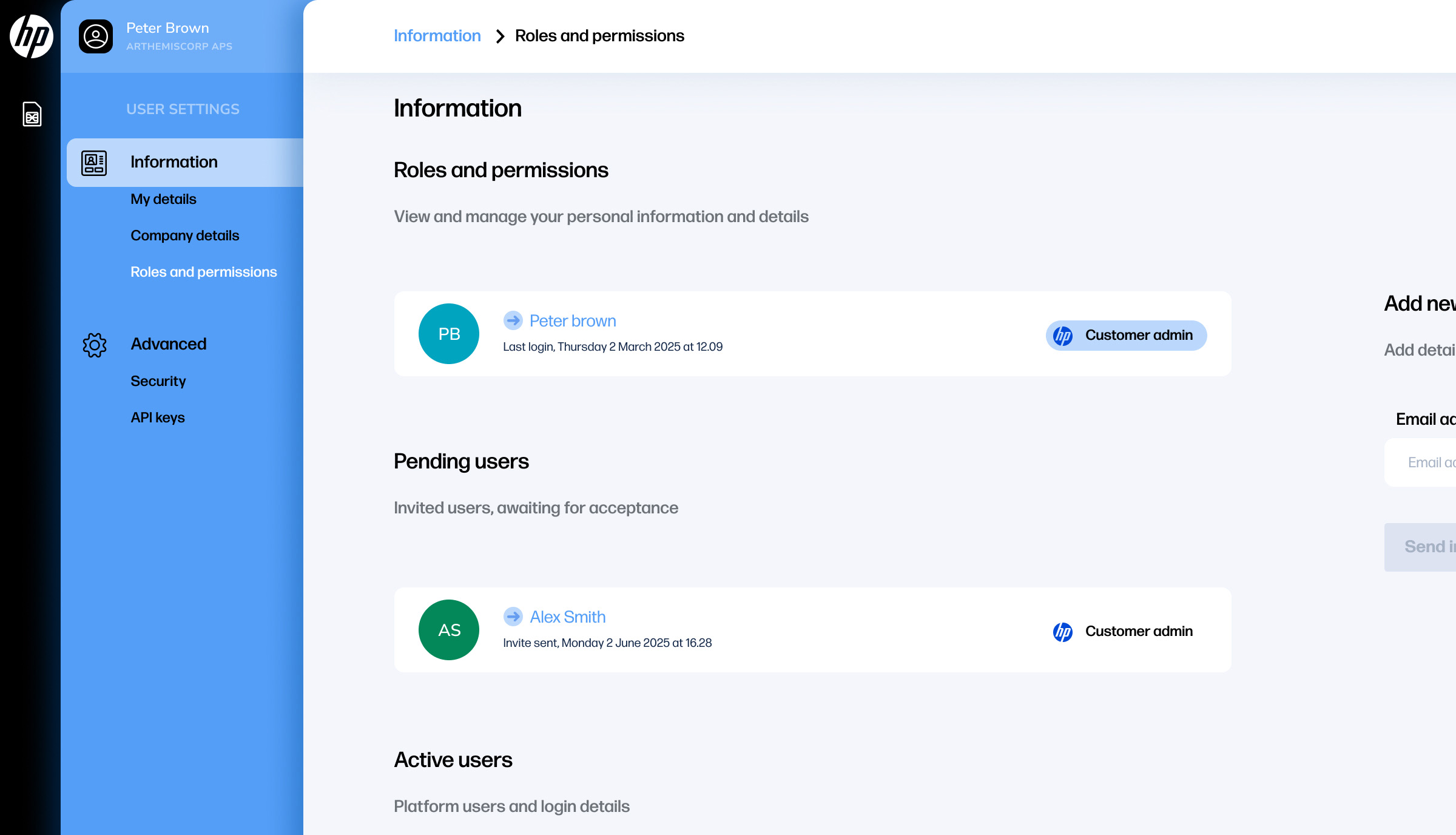
7. The invited user will now appear in the user list under the “Pending users” section. If they have an existing HP ID, they will receive an email with a login link. If not, they can create an account using the email associated with their HP Go Management Console.
Step-by-Step Video Instructions
Watch the video below for a visual overview of the process: