

Find information about your device and your HP Go connection, including the network status and usage as well as the EID of your eSIM profile.
Find HP Go Information in the HP App
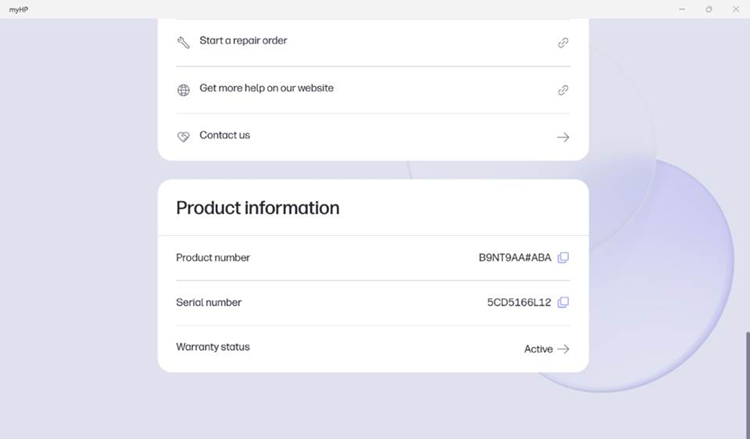
The information about HP Go can be found under the HP Go tile while you can find product information including the serial number of your device at bottom of the page.
Step-by-Step Instructions
1. Open the HP App.
2. Click on the name of your device.
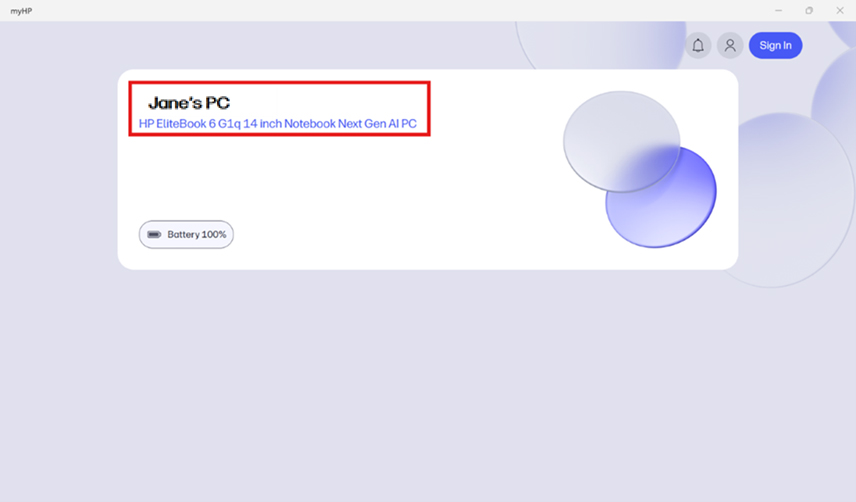
3. The top of the page should look something like this:

4. Scroll down until you find the HP Go tile and click on it.
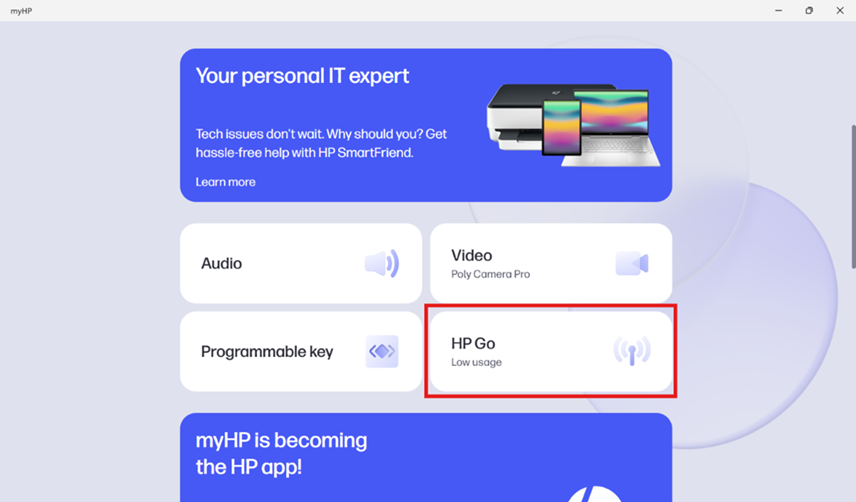
Note: if you scroll down to the bottom of the page you will find more product information including the serial number of your device.
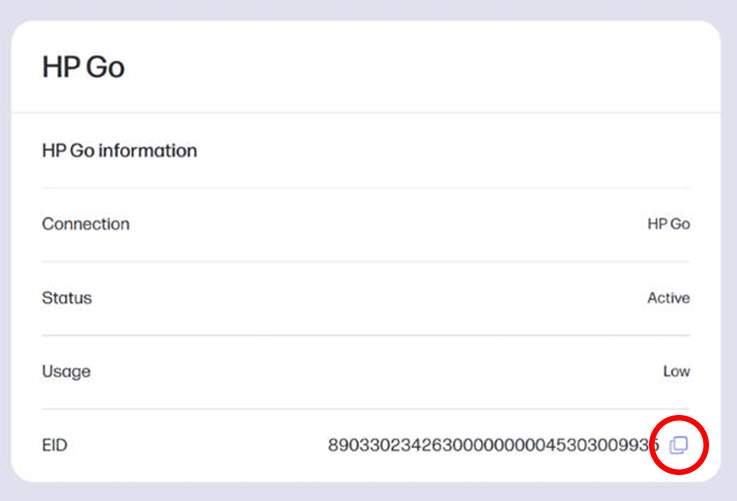
5. You can now see the HP Go information including your connection network, network status and usage as well as the EID of your eSIM profile.
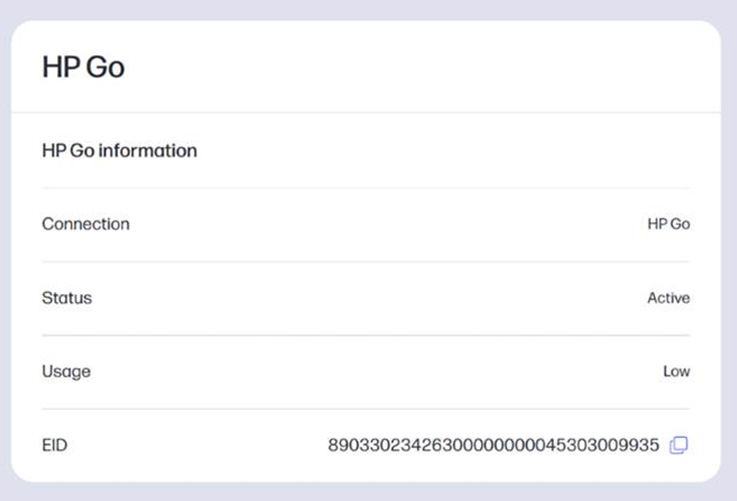
6. You may copy the EID by clicking the copy button to the right of the number.
Step-by-Step Video Instructions
Watch the video below for a visual overview of the process: