

SIM Cards are activated automatically when you purchase a plan
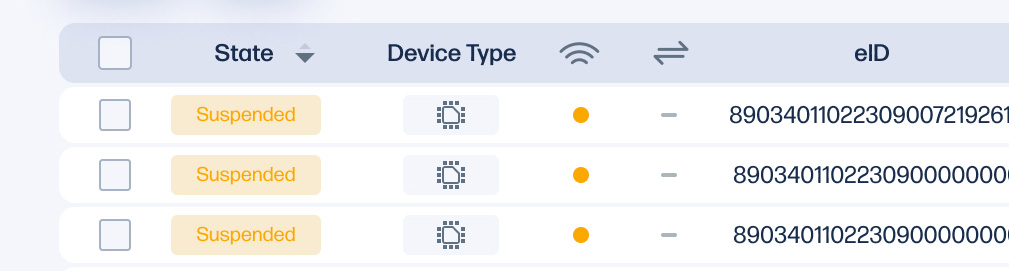
Suspend a SIM Card
A SIM card can be suspended to prevent it from connecting to the cellular network.
- Select the SIM Card(s) you would like to suspend
- Click on the action button at the top right and choose "Suspend"
Re-activate a SIM Card
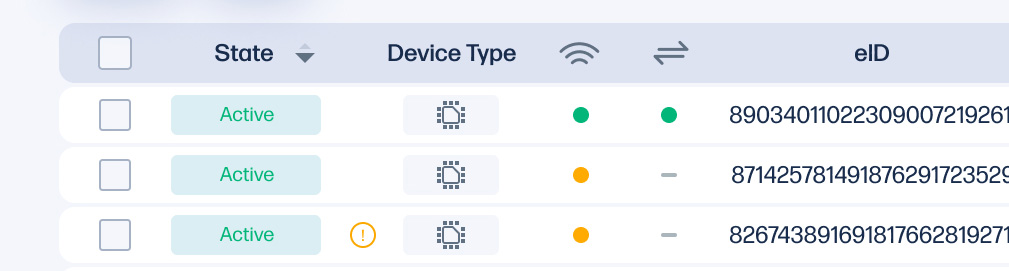
If a SIM Card has been suspended, it can reactivated again by following the following steps.
- Select the SIM Card(s) you would like to re-activate
- Click on the action button at the top right and choose "Activate"
Plan Expiration
When your prepaid term ends, the SIM Cards on that plan are automatically suspended. To renew a prepaid plan a separate order is required to purchase a new HP Go service plan with respective duration. Please contact your HP sales representative for more information.
If you require further assistance, please go to HP Support website.