

There are several reasons that might cause your SIM card to lose its connection. Below are some of the most common.
Is your card active?
If the SIM card is not active, it will not function until activated. To check its status, follow these steps:
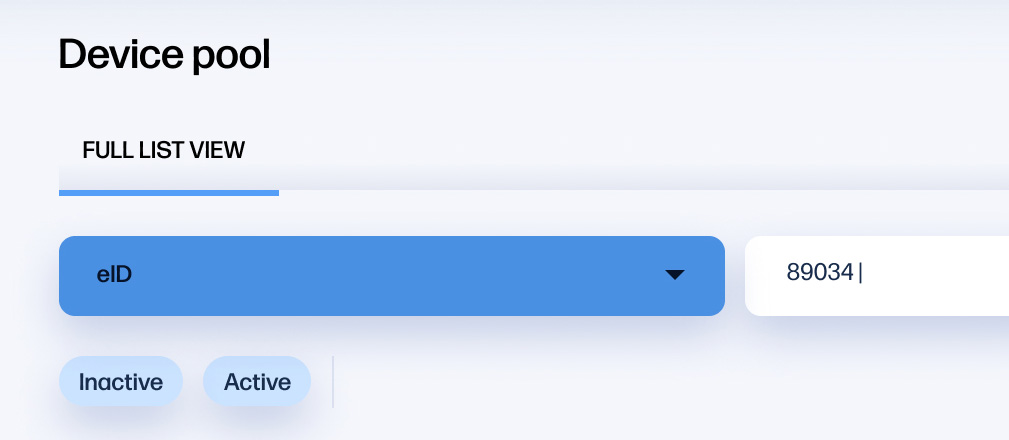
1. Select “eID” or "Name" from the “Filter” drop down menu
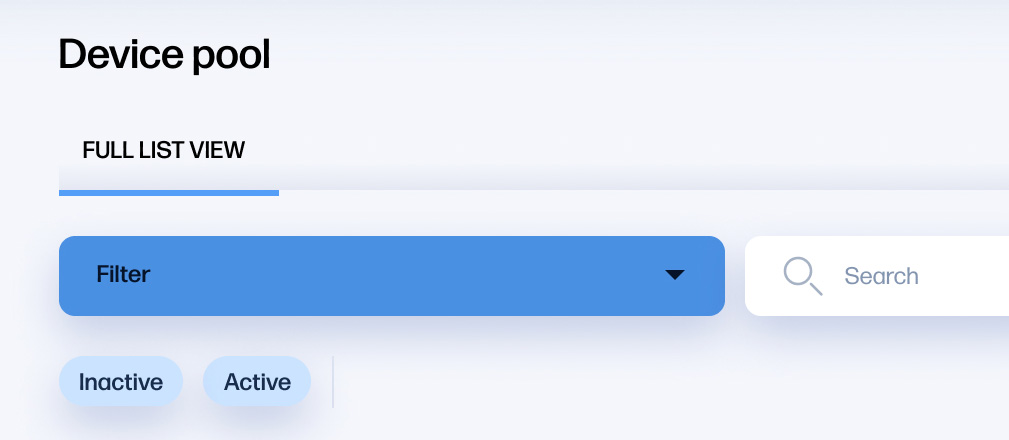
2. Enter the name or the eID of the SIM Card that is not working into the Filter
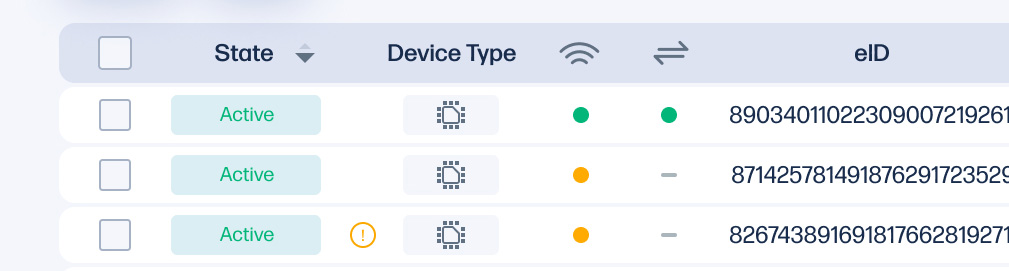
3. The list should now display only the SIM card you searched for. The “State” column should look like this:
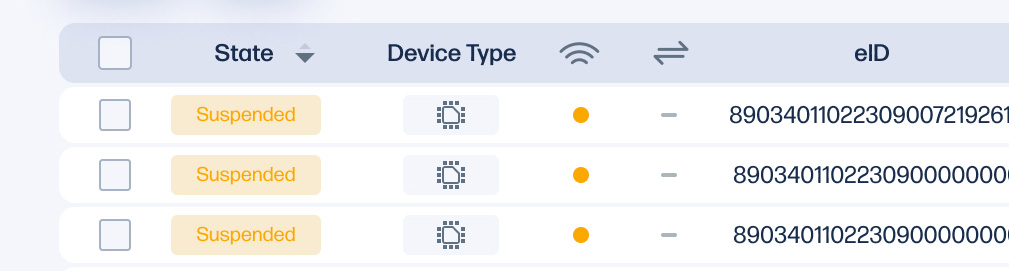
4. If a SIM Card has been suspended, it can reactivated again by following the following steps.
- Select the SIM Card(s) you would like to re-activate
- Click on the action button at the top right and choose "Activate"
Has your prepaid term ended?
If your subscription has ended, you cannot re-activate the SIM Card. To renew a prepaid plan a separate order is required to purchase a new HP Go service plan with respective duration. Please contact your HP sales representative for more information.
If you require further assistance, please go to the HP Support website here.